 RemotusTV
Glassmorphism UI
A modern interface with smooth animations, blur and depth.
The modern way to control your Smart TV from your desktop — beautiful, effortless, and customizable down to every button.
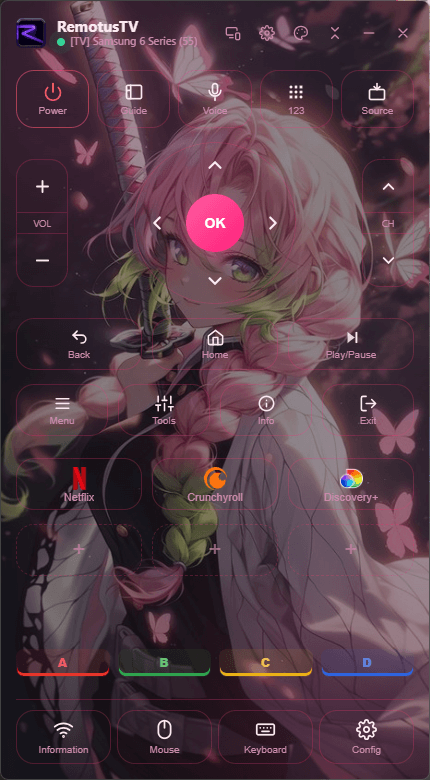
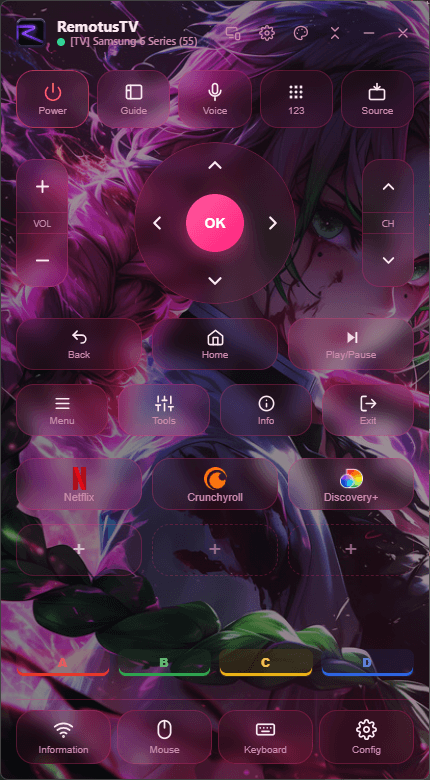
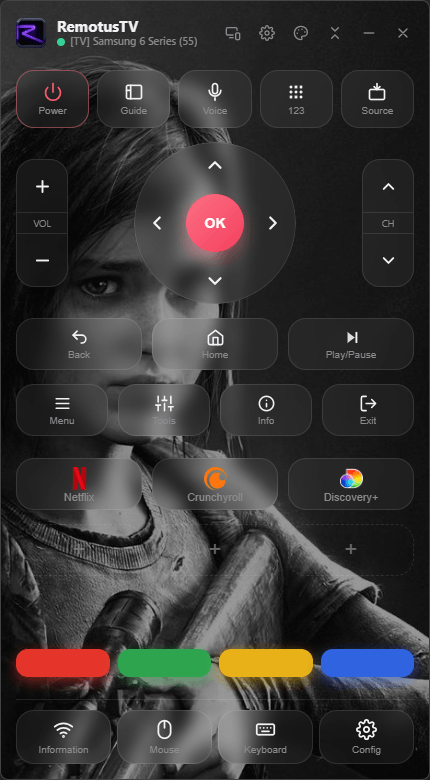
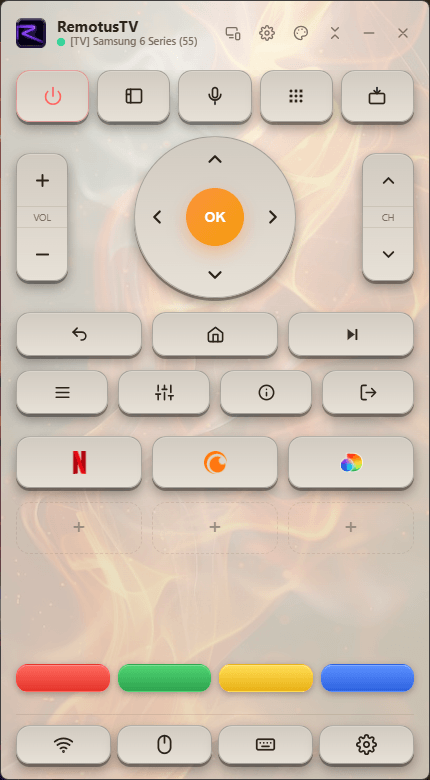
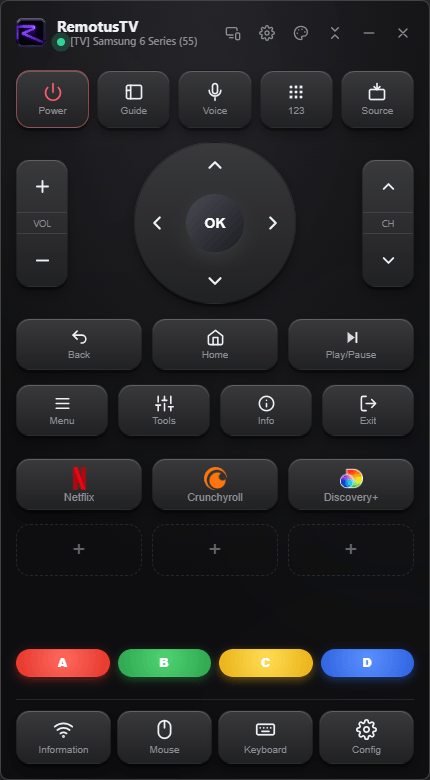
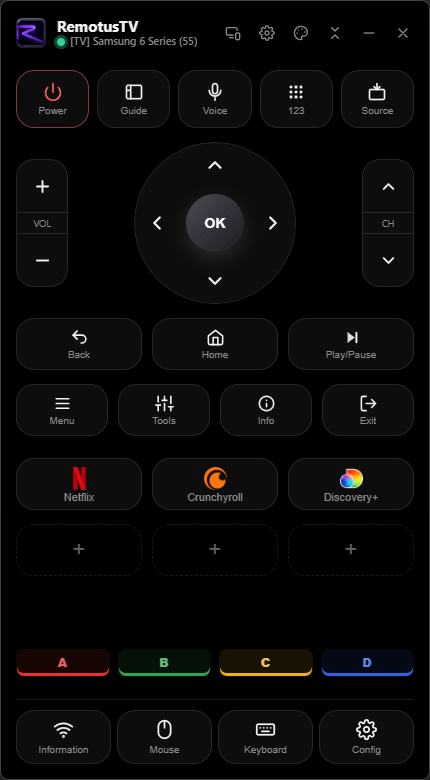
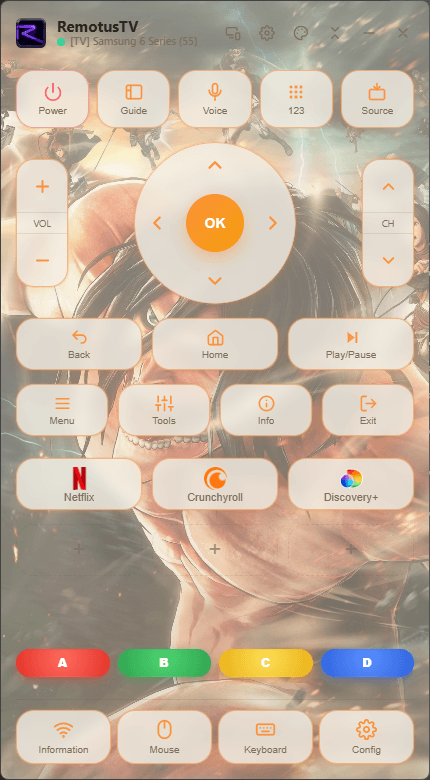
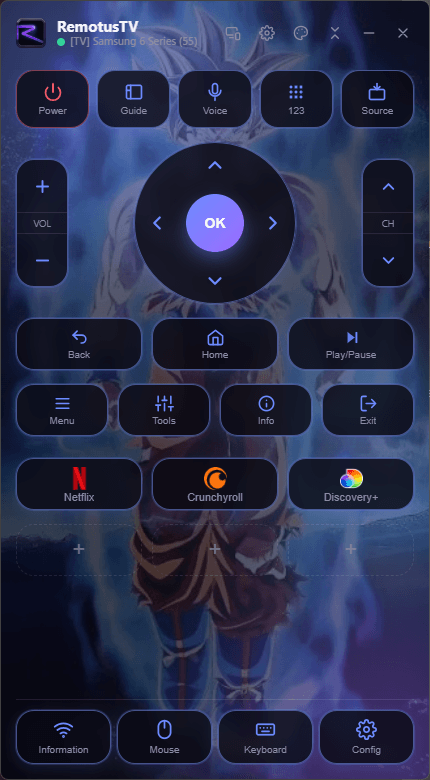
Personalize it your way
Everything you expect from a remote — reimagined for your desktop. Click any screen to zoom.
A modern interface with smooth animations, blur and depth.
Light, dark, AMOLED, Ocean, Neon — or craft your own.
Drag to rearrange, add custom buttons and shortcuts, save layouts.
Open apps and control your TV by speaking.
Jump straight to any channel.
Type, point and jump to any channel from your desk.
Find, pair and switch between your TVs in a couple of taps.
English, Portuguese and Spanish, automatically.
Full-size when you want every button, or shrink it to a slim, minimal remote that stays out of the way.
The full remote.
A touch smaller.
Space-saving.
Only what you use.
The tiniest remote.
Download and use RemotusTV for free — upgrade to Pro whenever you want the extras. No hard limits, no lockouts.
The basics to get you going.
Flexible — cancel anytime.
Save more, billed yearly.
One payment, yours forever.
Prices are indicative and shown in USD. You'll always see your local price in the Microsoft Store, where the purchase is handled. Lifetime includes all future Pro features.
It works with compatible Samsung Smart TVs on your local network. RemotusTV is an independent product and is not affiliated with Samsung.
Yes — it's free to download and use. An optional Pro upgrade unlocks extras like unlimited TVs, custom themes and layouts, and voice commands.
No account, no sign-up. Your pairings, themes and settings are stored only on your own PC — nothing is sent to a server.
Windows 10 and 11. RemotusTV is a lightweight native app, distributed through the Microsoft Store.
Voice is optional and off by default. When you use it, the audio is sent to Google's speech service to be transcribed — and only then. If you don't use it, no audio is ever sent.
On Free, one paired TV at a time. With Pro, you can keep as many TVs paired as you like and switch between them instantly.
We're one email away — happy to help.